
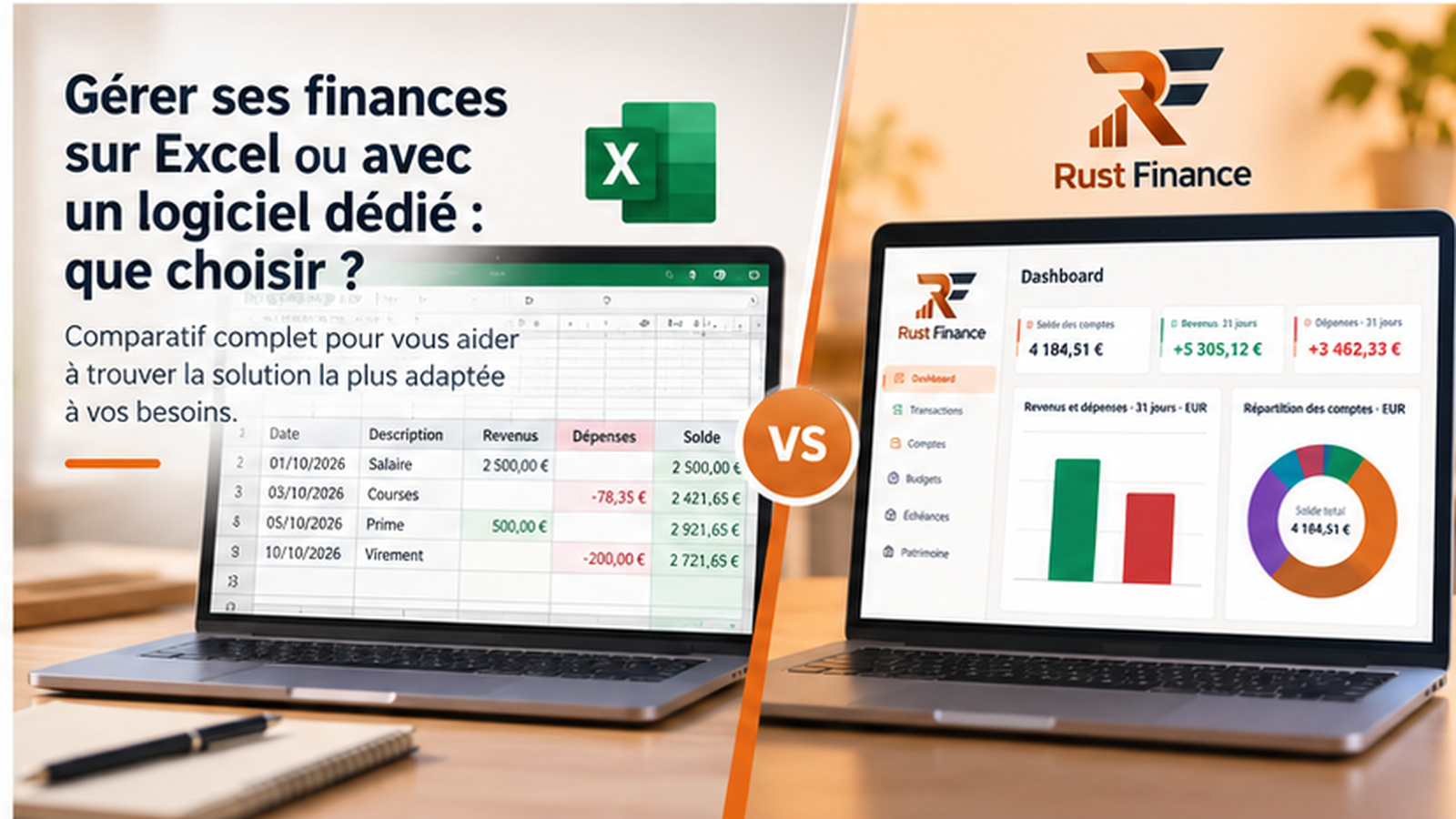
Keeping track of money sounds straightforward until transactions accumulate across accounts and months. You need a way to record spending, group it into useful categories and review what has changed. A spreadsheet such as Excel or LibreOffice Calc is one option. A dedicated personal finance app offers a different workflow. The useful question is not which tool is universally better, but which one you can maintain and trust for the decisions you want to make.
Why start with Excel?
Many people already know how to enter data, sort a column and add up numbers in a spreadsheet. A basic budget can start with a date, description, category and amount. A ready-made template saves setup time, although you should check that its categories and formulas match your situation. LibreOffice Calc is a free alternative if you do not have Excel; Excel’s cost depends on how you obtain it.
Freedom is the main attraction. You can make categories as broad or detailed as you like, add formulas for a particular goal and draw charts of the figures that matter to you. A spreadsheet can combine a monthly budget with calculations for a holiday, home project or emergency fund. There is no need to wait for an app to introduce a feature. That freedom does require you to design the sheet and understand what its formulas actually measure.
Where spreadsheets become harder to manage
Transactions normally need manual entry or a prepared import. If you postpone updates, catching up can take longer than the original weekly routine. Even a carefully built sheet is vulnerable to subtle mistakes: a formula range may miss the newest row, a value may replace a formula, or an amount may land in the wrong category. Review totals against statements periodically.
The file also needs care. Decide where to keep backups, how to name versions and how to carry balances into a new month or year. Multiple accounts and long histories make a simple workbook more complex. Consolidating several years is possible, but it works best when the structure was planned for it. Macros or elaborate formulas can automate parts of the job, yet they add another layer to test and maintain.
These drawbacks do not make spreadsheets unsuitable. They mean that you are building and maintaining part of your own finance tool. For someone who enjoys that control, this may be a worthwhile trade-off.
What dedicated software can offer
Personal finance software usually organises information around accounts, transactions, categories and budgets. A consistent structure can make it easier to find an old transaction or compare spending over several months. Category views and charts may help you see trends without rebuilding a report each time. Features vary considerably between products, so check the actual app before relying on any particular function.
A ready-made workflow can reduce the work of designing a workbook. It can also restrict unusual calculations or categorisation schemes. Do not assume that every app connects to a bank, syncs devices, stores data locally or supports a particular privacy setting. Those properties depend on the product and configuration. Look at backup and export options as well as the screens you use every day.
Spreadsheet or app: a practical comparison
These are broad tendencies, not promises about every version of Excel or every finance app. A well-designed workbook may fit you better than an app with the wrong workflow.
| Consideration | Excel or Calc | Dedicated software |
|---|---|---|
| Getting started | Quick with a simple template; you choose the structure. | Built-in screens; you learn the workflow. |
| Customisation | Very flexible if you have time and skills. | Limited to available options. |
| Maintenance | Check formulas, files and backups. | Maintain the app and your data. |
| Entering transactions | Manual or via a prepared import. | Manual or assisted, depending on the app. |
| Spending analysis | Build or adapt charts and tables. | Dedicated views where provided. |
| Several months | Works with a consistent structure. | Often built into the data model. |
| Privacy | Depends on storage, sharing and backups. | Depends on the app, hosting and settings. |
| Cost | Calc is free; Excel or templates may cost money. | Free, one-time purchase or subscription, depending on product. |
| Best fit | People who want to shape their own calculations. | People who prefer a predefined structure. |
When a spreadsheet remains the right choice
A small number of accounts and a few spending categories may be easy to track in one sheet. If you enjoy making your own formulas, or need an unusual calculation for a project, a spreadsheet gives you direct control. It also lets you test a budgeting method without moving existing data. Start with a few categories and follow them for several months. If the sheet stays clear and you keep it current, there may be no reason to change.
When dedicated software becomes useful
An app may feel more comfortable when you have many transactions, several accounts or budgets by category. Finding historical activity and comparing months can take less preparation when these views are already built in. The benefit is strongest when maintaining the spreadsheet takes more time than learning from it. Before switching, try a small sample of your own data. Check entry, correction, backup and export, rather than judging only the first screen.
Discover Rust Finance
Rust Finance is personal finance software for desktop computers. Its website shows dedicated views for accounts, transactions, budgets, upcoming payments and assets. Download pages currently provide a Windows installer and a .deb package for compatible Debian or Ubuntu Linux systems. The website lets you inspect these screens and check available downloads before trying the app.
The listed screens should not be taken as a claim of automatic bank connections, mobile support or cloud syncing. If one of those capabilities is essential, verify it in the product before moving your records. Choose on documented features and your experience with the workflow.
A simple way to decide
Write down two or three tasks you need to do: check balances, understand monthly spending, set a budget or keep a history. Then consider how much time you can devote to entering and checking data. Try one representative month in a spreadsheet and, if interested, in a dedicated app. Compare the time needed to correct mistakes, the clarity of the results and your options for saving or exporting information. You can also use a spreadsheet for one-off calculations and an app for routine tracking.
Frequently asked questions
Is Excel enough for a personal budget?
Yes, for many straightforward budgets. A simple, accurate sheet you update is more useful than an elaborate system you abandon. Reconsider your approach if maintenance becomes difficult.
Is personal finance software easier?
It can simplify organisation by providing accounts and categories, but it takes time to learn. Ease depends on the product and how you like to work.
Can I manage money without a subscription?
Yes. LibreOffice Calc is free, and some personal finance apps are free as well. Check each product’s terms and any paid features.
How should I track spending each month?
Use a few stable categories, record or import transactions, and compare totals with your plan. Set aside a regular time to correct omissions and examine differences.
Which option is best for a beginner?
Start with the tool you will actually keep up to date. A simple sheet is a good first step; an app may suit you immediately if you prefer guided structure.
In summary
Spreadsheets offer nearly unlimited flexibility, with ongoing maintenance. Dedicated apps provide a structure you can use straight away, though their features differ. Test both against your real needs. Rust Finance is one desktop option to explore if you want a structured view of accounts and budgets.