
Practical tools for financial planning
Estimate the cost of a loan and how much room your budget leaves for saving. These free calculations are indicative: adjust the figures to compare scenarios.
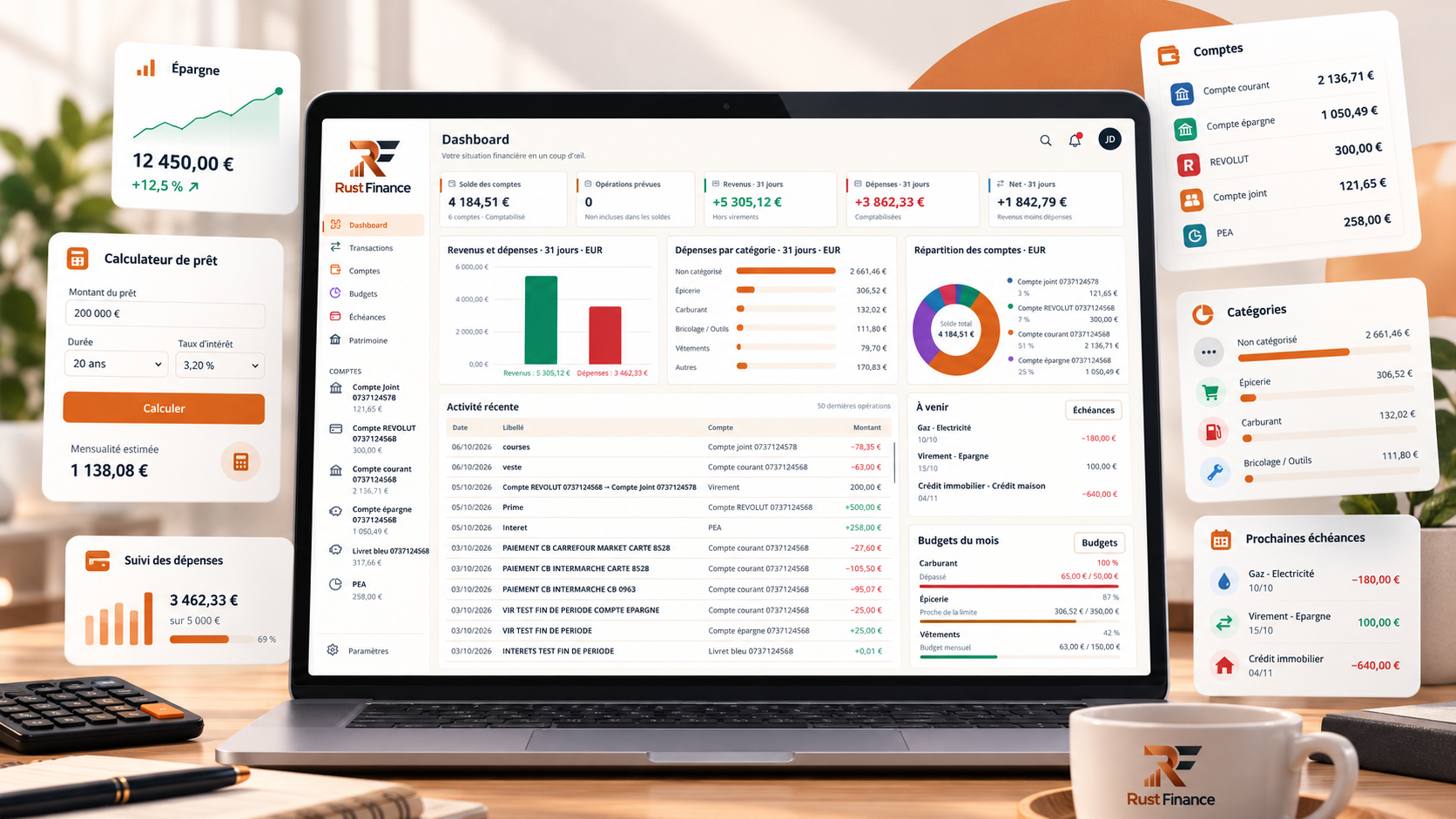
Loan payment calculator
Enter the principal, term, annual nominal rate and an optional fixed monthly insurance amount.

Illustrative figures only. Replace them with your own amounts.
Enter a valid loan amount, term and rate. Increase the amount or shorten the term if the monthly payment is below €1.
Breakdown of total repaid
View amortisation schedule
| Payment | Payment excluding insurance | Total interest | Principal repaid | Balance remaining |
|---|
Based on a fixed nominal rate and constant monthly insurance. This is neither a loan offer nor a regulated APR calculation. Fees, taxes and rate changes are excluded.
Explore Rust Finance to track spending and organise your budget after planning a loan. Home →
Estimate your savings capacity
Enter your monthly budget to estimate what you might be able to set aside.
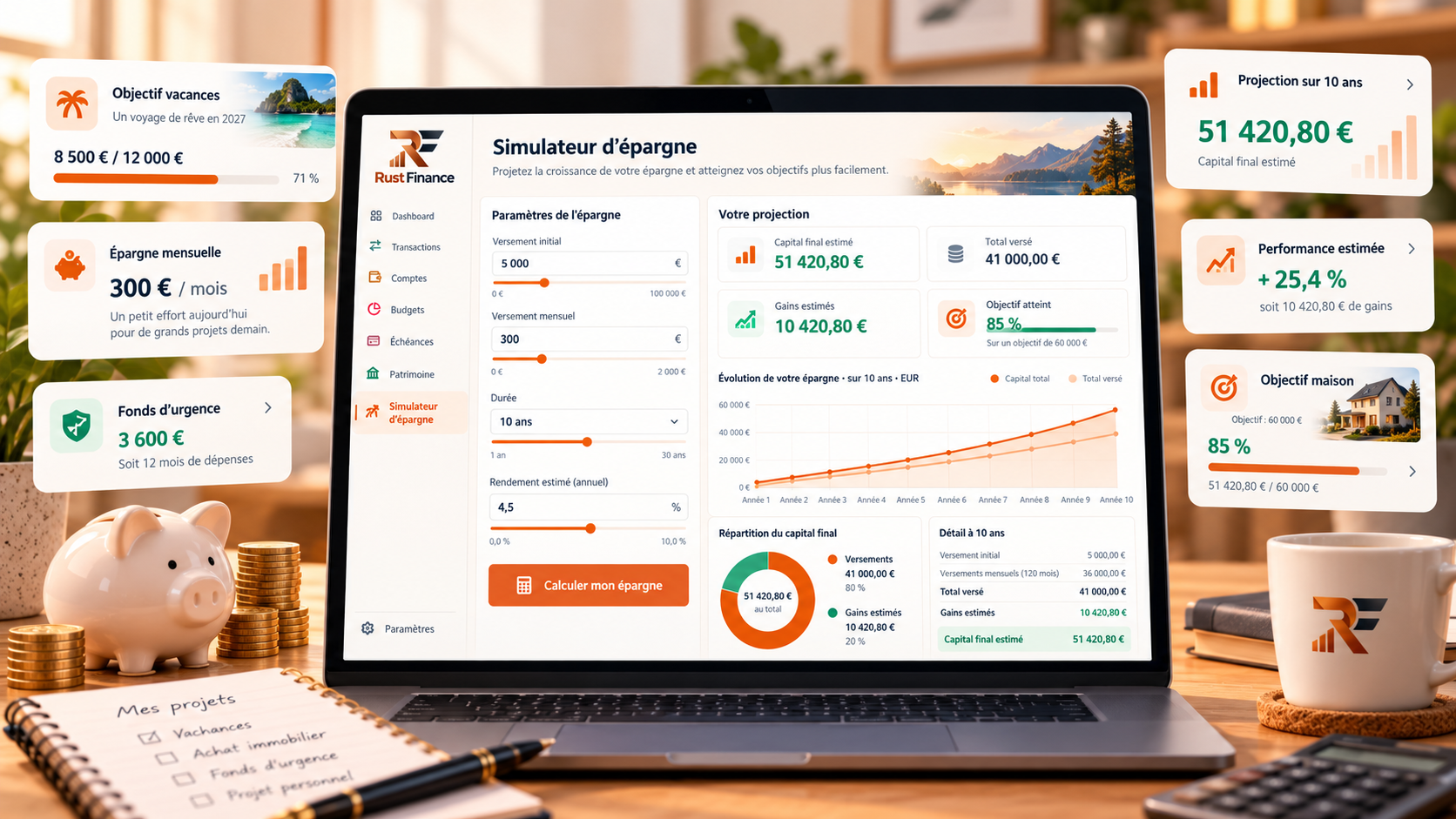
Illustrative figures only. Replace them with your own amounts.
Enter valid non-negative monthly amounts.
Estimated monthly shortfall :
Expense breakdown
Potentially savable share
Projections assume a constant monthly amount and no investment return or interest. Actual savings depend on expenses and unexpected costs.
Explore Rust Finance to follow changes in your personal budget. Download →
How is a loan payment calculated?
For a fixed-payment amortising loan, the payment depends on principal, the number of months and the monthly nominal rate. At zero interest it is simply principal divided by the number of payments. Total interest is payments excluding insurance minus the initial principal.
What changes the total cost?
A longer term often lowers each payment but raises total interest. The rate, insurance and possible fees also matter. This calculator adds fixed insurance separately; its rate is not a regulated APR.
Why compare scenarios?
Try several terms and amounts to see how payments and total costs change. A simulation helps prepare a conversation with a lender, but does not replace an actual offer.
How do you estimate savings capacity?
Subtract declared monthly expenses from net income, then reserve a safety buffer. The remaining balance before that buffer is not automatically savable: irregular expenses still occur.
Set a realistic target
Start with an amount your budget can sustain for several months. Review transactions regularly and adjust the target when costs change. Tracking over time shows whether the estimate is realistic.
Frequently asked questions
Is the displayed rate an APR?
No. The calculation uses the nominal rate you enter and does not include all charges required for a regulated APR.
How is loan insurance included?
The fixed monthly amount is added to each payment for the full term.
Do savings projections include returns?
No. They multiply estimated monthly savings by 12, 36 or 60 months.
What if expenses exceed income?
The estimated shortfall is shown separately and savings capacity is set to zero.
Are my figures stored?
No. Calculations run in your browser; entered amounts are neither stored nor sent.